Metis Q&A
Metis Q&A allows you to ask questions about your Data Products, projects, and available data products using Metis agent.
Instead of manually searching through project information, you can ask questions using natural language.
Asking a Question
To use Q&A:
- Open Q&A from the Metis floating bar.
- Enter your question.
- Submit the question.
- Review the response provided by Metis.
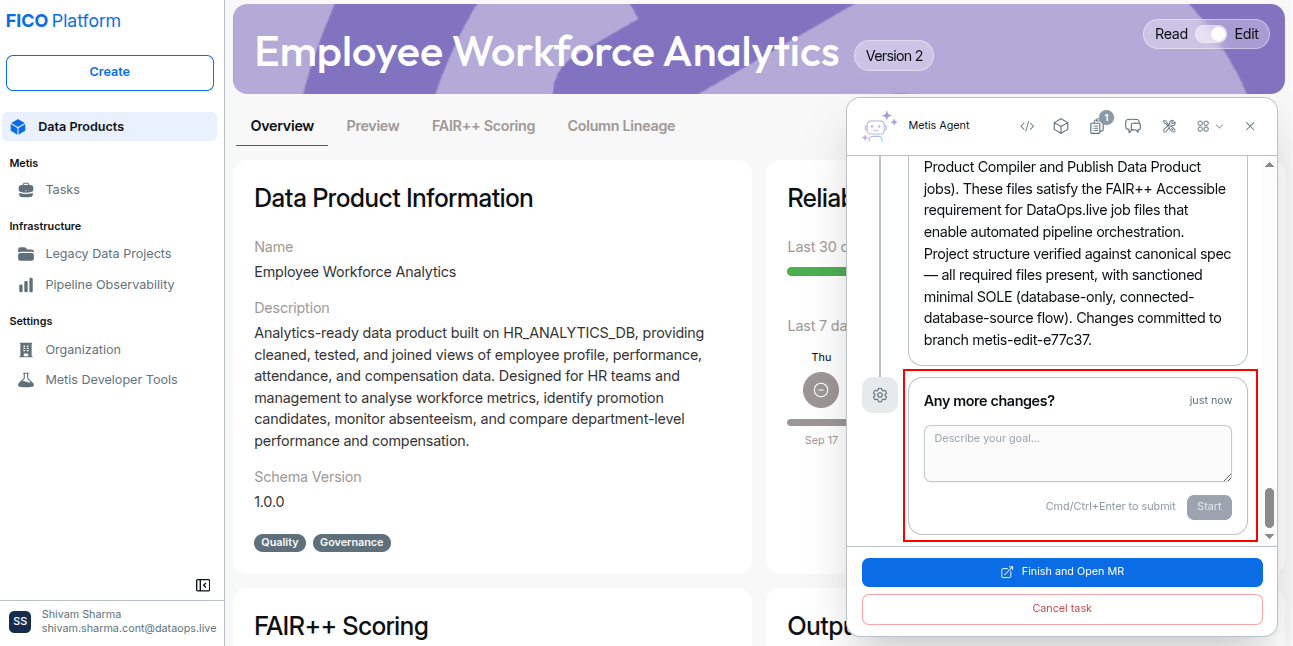
You can use this option to request additional information, clarify the analysis, or ask Metis to suggest further changes related to the task.
Asking Questions from a Task
Metis also allows you to ask additional questions from an ongoing or completed task.
The Any more changes? section is available within the task timeline. You can use this section to ask a question or provide an additional request related to the task.
To ask a question:
- Open an ongoing or completed task.
- Scroll to the Any more changes? section.
- Select the required Mode.
- Select the required Workflow.
- Enter your question or describe your goal.
- Click Start to submit the request.
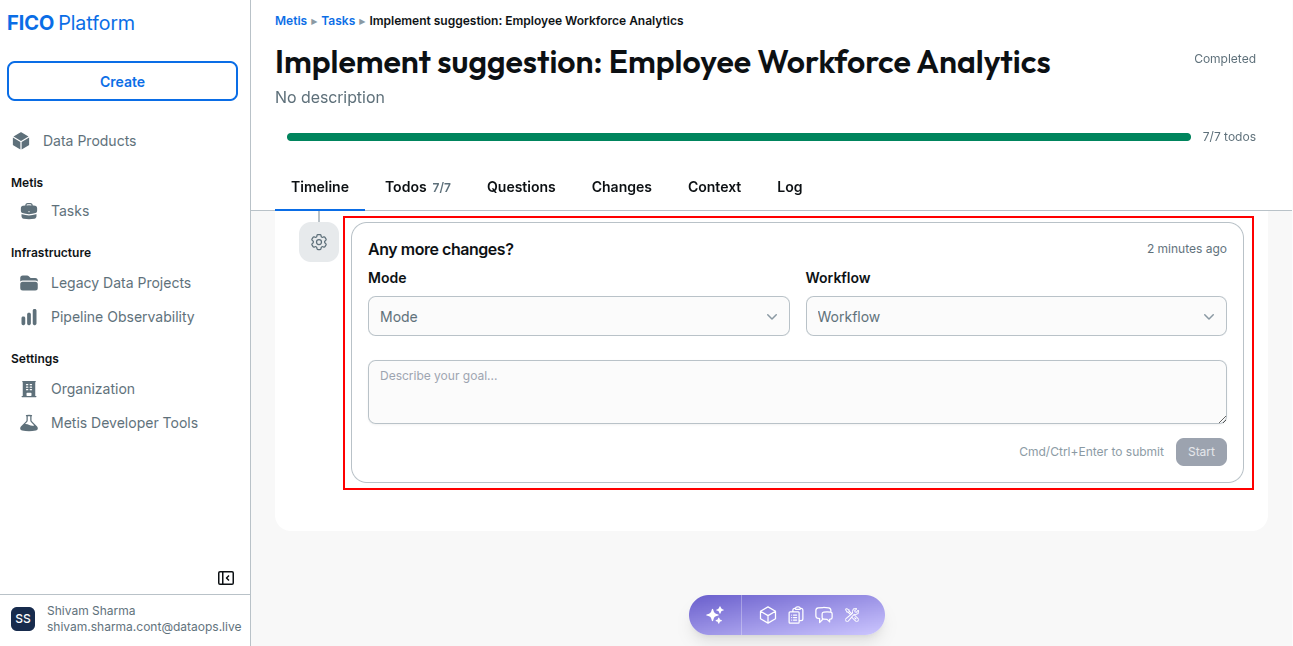
Metis processes the request based on the selected mode and workflow and provides a response or performs the requested action for the task.
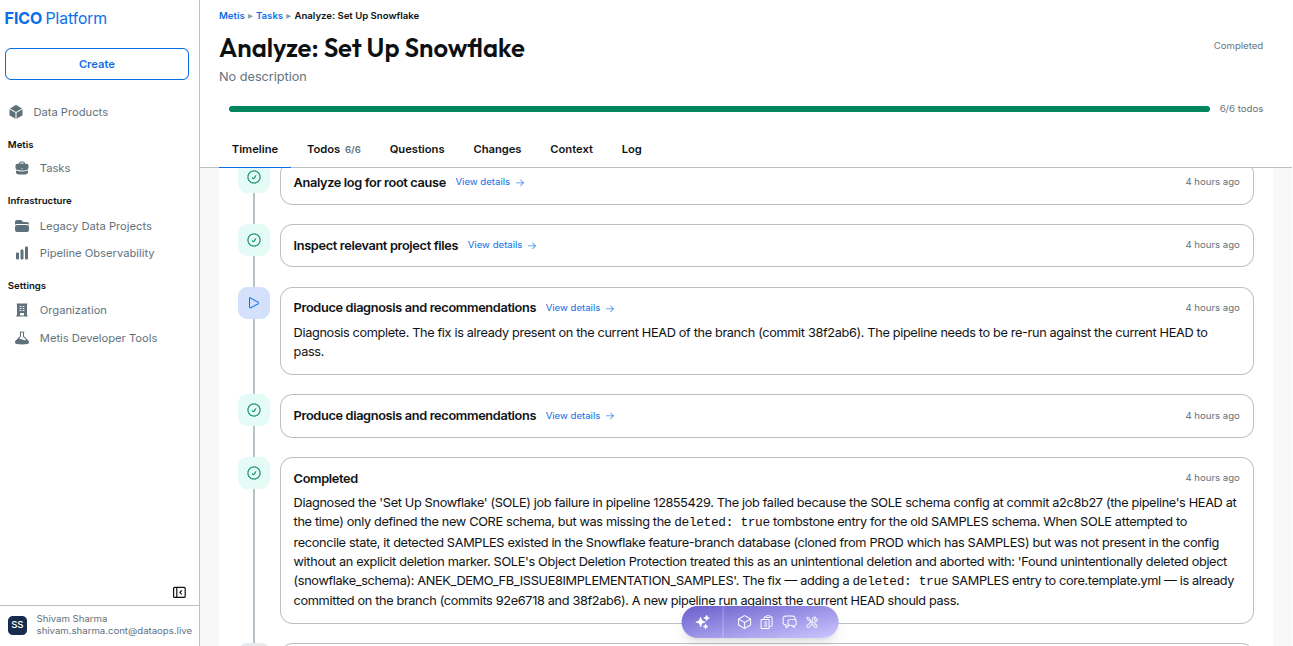
Example Questions
You can ask questions such as:
- What Data Products are available?
- Which models are used by this Data Product?
- What sources does this model depend on?
- Where is this data being used?
- What transformations are applied to this data?
- What changes are recommended for this task?
- Are there any other changes required?
Ask specific questions and provide relevant context to get more useful responses from Metis.