Create
The Create tab provides guided workflows for creating and configuring Data Products in the Momentum platform.
Users can choose from multiple creation methods depending on their use case. Each method provides a step-by-step workflow that guides users through the required configuration and deployment settings.
The available creation methods are:
- Metis Assisted Create
- Automated CI/CD
- Automated DBT Migration
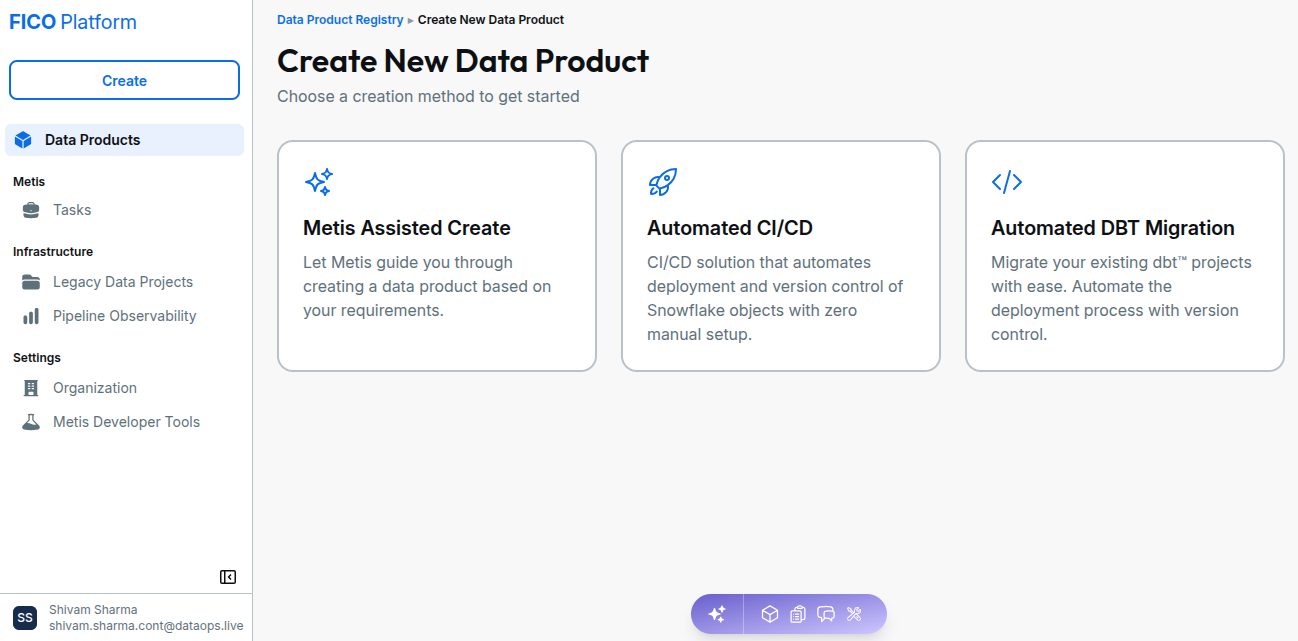
Metis Assisted Create
Metis Assisted Create helps you create a Data Product using natural language. Metis analyzes your requirements, recommends data sources, generates the OpenSpec specification, and guides you through creating and deploying the Data Product.
Instead of manually setting up the project and identifying the required data sources, you can provide your requirements and let Metis guide you through the Data Product creation process.
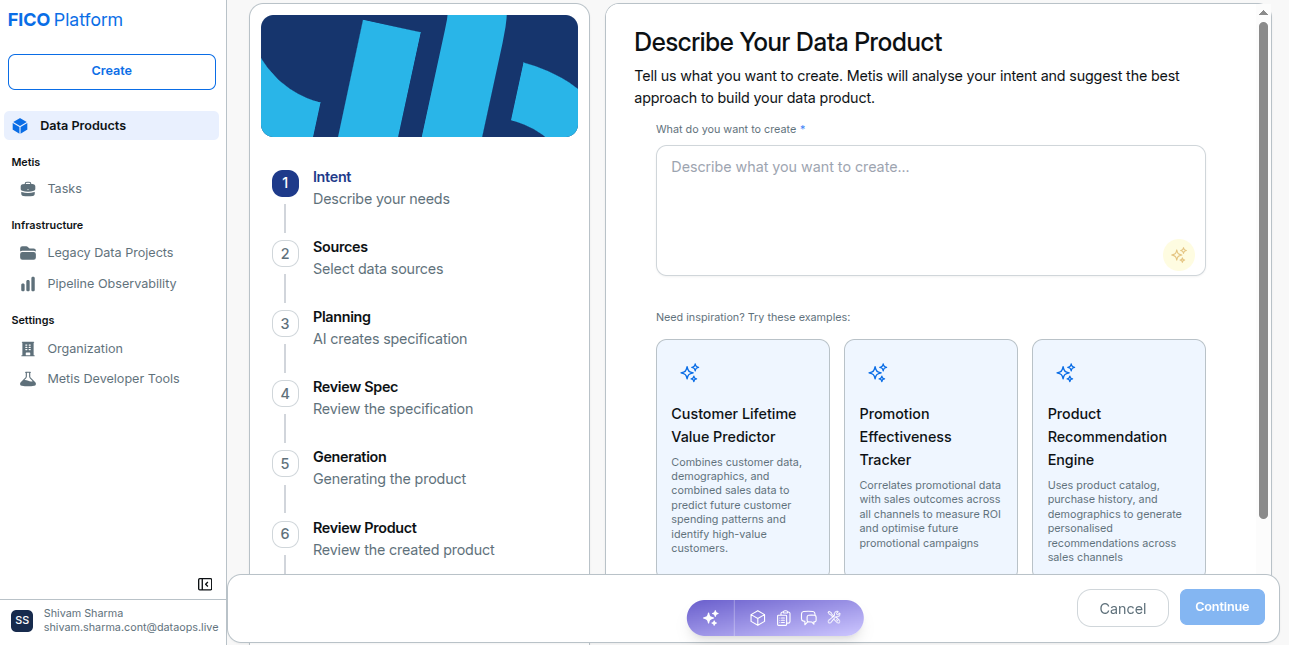
With Metis Assisted Create, users can:
- Describe Data Product requirements using natural language.
- Enhance requirements with assistance from Metis.
- Select recommended or existing data sources.
- Connect to a new Snowflake data source when required.
- Generate and review the OpenSpec specification.
- Generate, review, and deploy the Data Product.
For the complete workflow, see Metis Assisted Create.
Automated CI/CD
Automated CI/CD provides a CI/CD solution for automating the deployment and version control of Snowflake objects.
It reduces the need for manual setup by guiding users through the configuration required to create a Data Product and manage its Snowflake infrastructure through CI/CD.
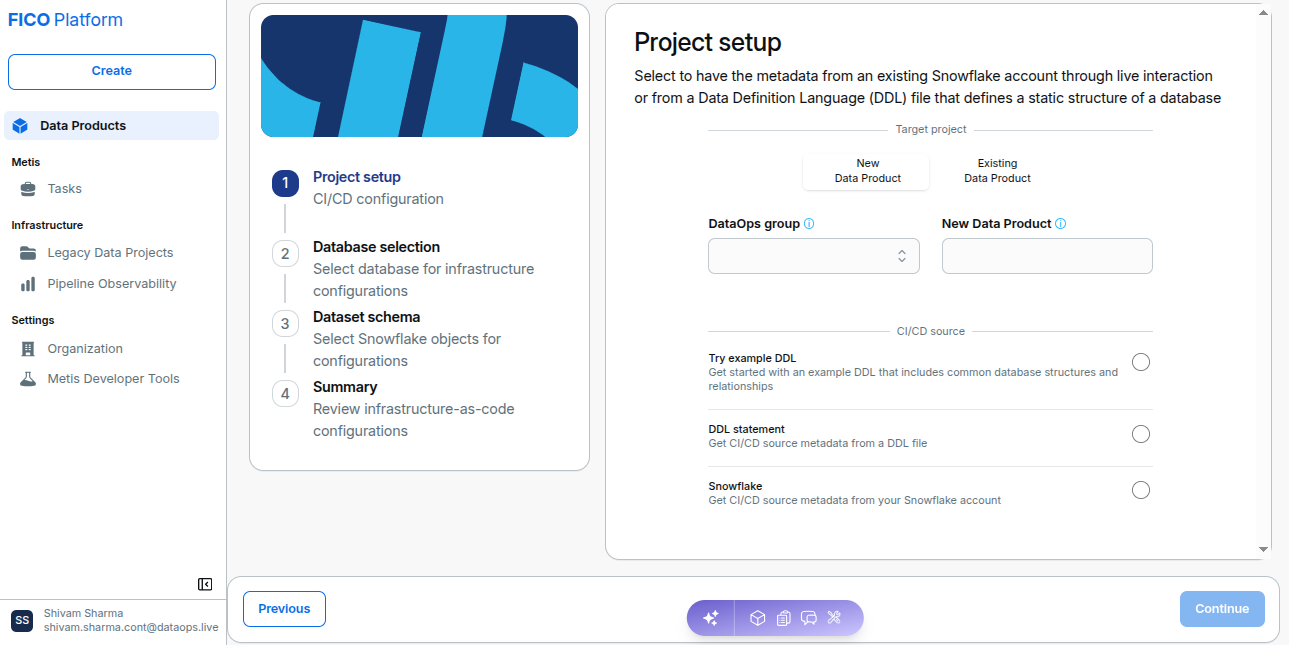
With Automated CI/CD, users can:
- Configure a Data Product project and Snowflake metadata.
- Generate infrastructure-as-code configuration.
- Manage Snowflake objects through version control.
- Automate deployments through CI/CD pipelines.
Select Automated CI/CD from the Create page to begin the guided setup.
For the complete workflow, see Automated CI/CD.
Automated DBT Migration
Automated DBT Migration is designed to help users migrate existing dbt projects into a DataOps-managed deployment workflow.
It automates the deployment process while maintaining version control for the dbt project.
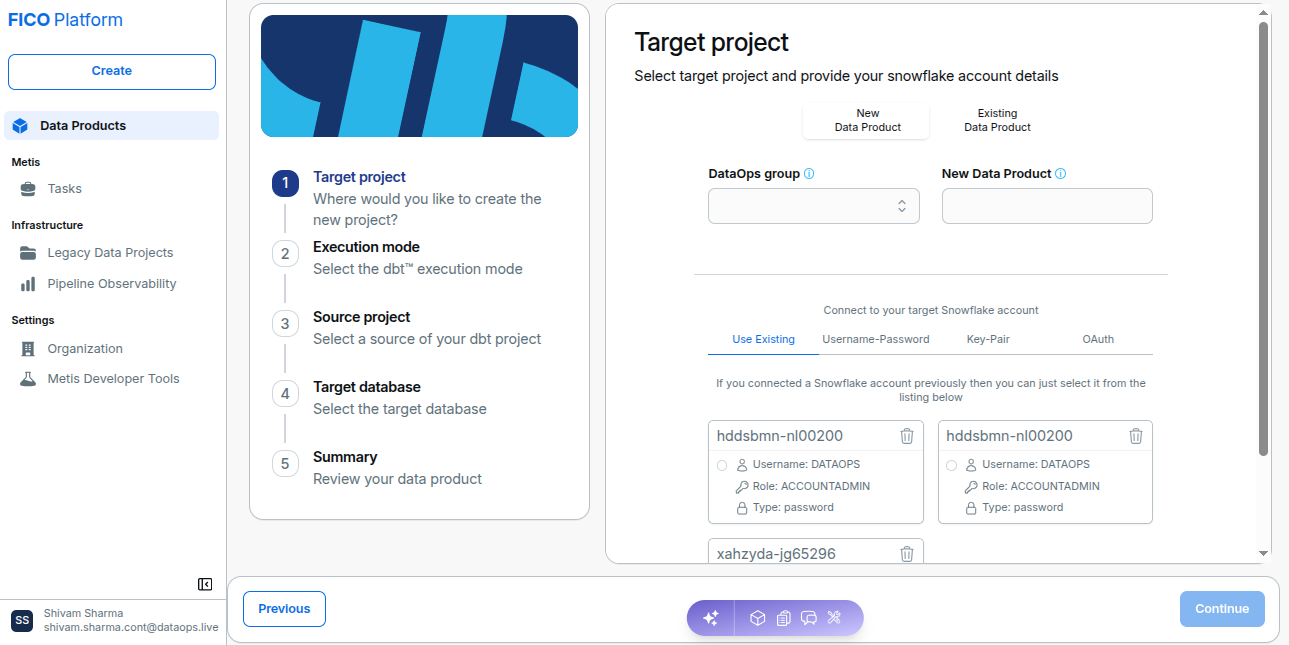
With Automated DBT Migration, users can:
- Connect an existing dbt project.
- Configure the target DataOps project and Snowflake account.
- Select the dbt execution mode and source project.
- Configure the target database.
- Review the resulting Data Product configuration.
Select Automated DBT Migration from the Create page to start the migration workflow.
For the complete workflow, see Automated DBT Migration.
Choosing a Creation Method
The appropriate creation method depends on the type of Data Product or implementation you want to create.
| Creation Method | Use Case |
|---|---|
| Metis Assisted Create | Create a Data Product from natural-language requirements with AI-assisted planning, specification generation, and deployment. |
| Automated CI/CD | Create and manage Snowflake objects through automated CI/CD and version-controlled workflows. |
| Automated DBT Migration | Migrate an existing dbt project into a DataOps-managed deployment workflow. |
Getting Started
To start creating a Data Product:
- Open the Create option from the Momentum platform.
- Review the available creation methods.
- Select the method that matches your use case.
- Follow the guided workflow.
- Provide the required project, Snowflake, dbt, or Data Product configuration.
- Review the configuration before completing the workflow.
The guided workflows help reduce manual configuration and provide a consistent process for creating and deploying Data Products.