Getting started with DataOps.live Momentum Platform
What is Momentum?
Momentum is an AI-driven DataOps 2.0 platform that lets business analysts and data consumers create and maintain production-ready data products, without requiring deep technical expertise. The platform transforms data product creation and management from a weeks-long engineering effort into a 5-30 minute guided process.
Platform overview
Dashboard
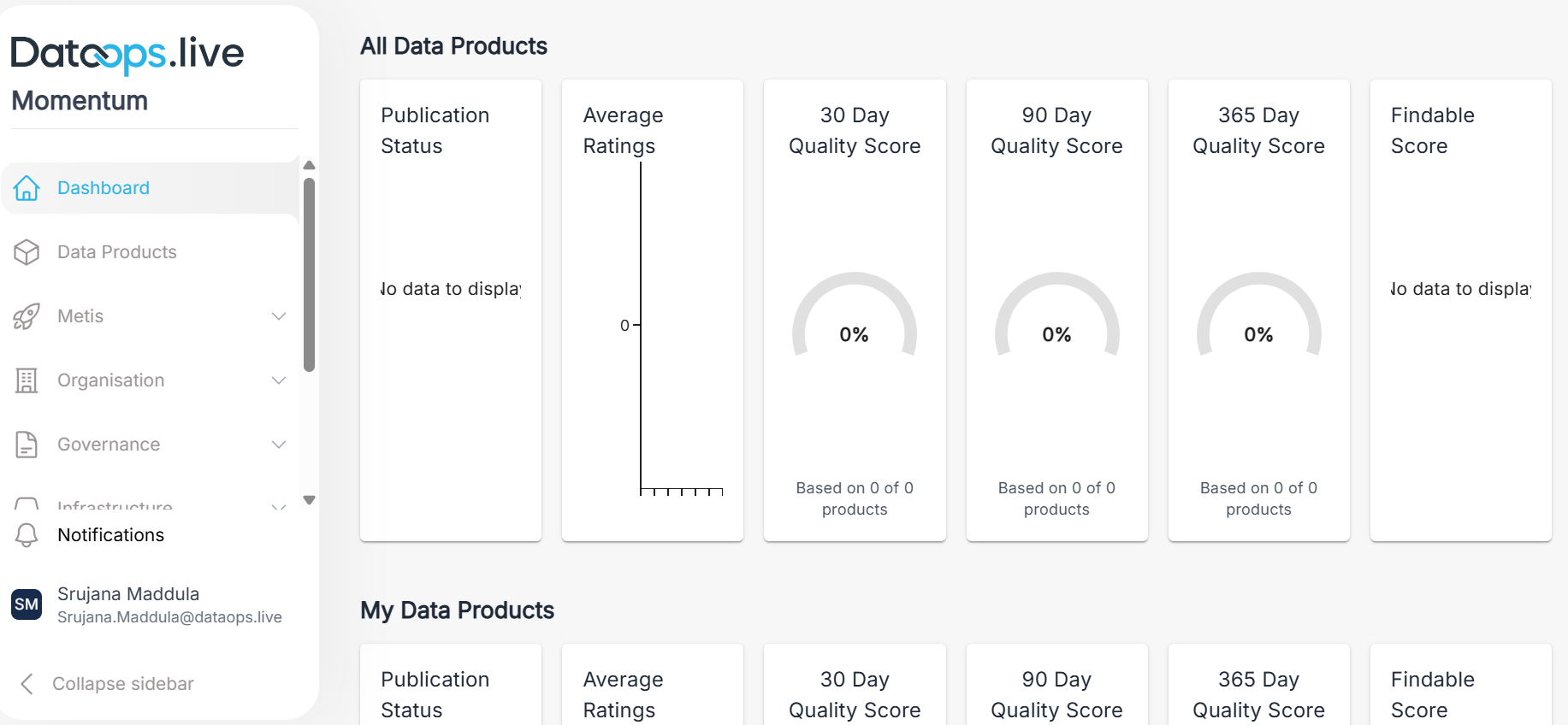
This screen is the primary dashboard for data product owners. It provides a complete view of your data product portfolio, including overall health, key quality metrics, and team performance. It also shows a personalized view that highlights the data products you own.
Data Products
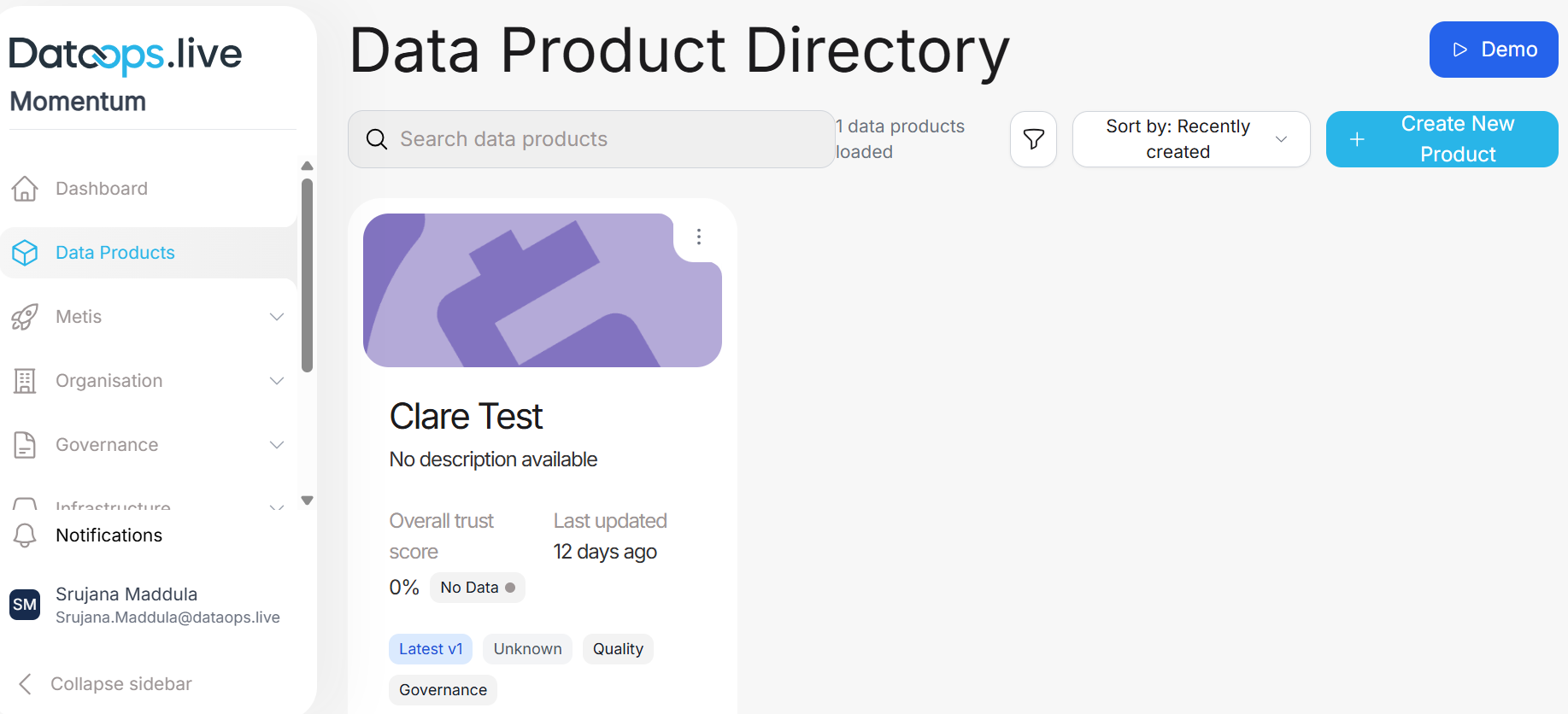
The Data Product Directory is your central hub for creating, discovering, and managing data products in the Momentum platform. It offers a searchable catalog of all available data products with detailed metadata. This makes it easy to explore what data products exist and understand how they are used.
Organization
Organization view: The Organization View provides a centralized interface for managing and analyzing all data products across the organization. This tracks product health scores, usage analytics, and performance metrics at organization level. The screen also includes PII tracking for proper governance and compliance monitoring.
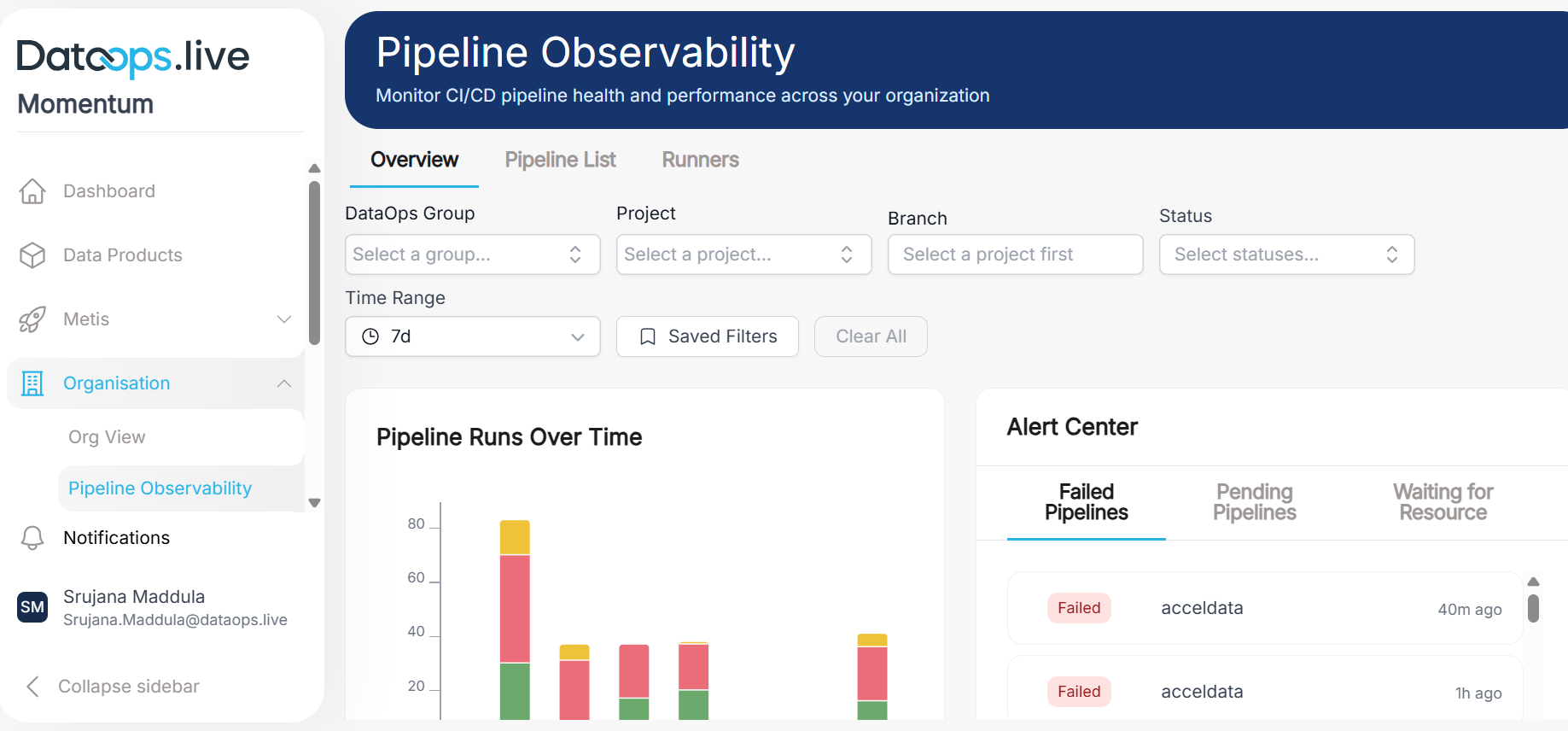
Pipeline observability: The Pipeline Observability screen offers real-time and historical insights into CI/CD pipeline runs across GitLab data products. It brings together execution metrics, run history, and job-level details so teams can quickly spot failures, track performance trends, and troubleshoot issues quickly.
Governance
The Policy and Governance screen serves as a central repository for all organizational policy documents. These documents outline data governance rules, compliance requirements, and operational standards. Users can create, view, edit, and delete policy documents stored as markdown or plain text, with built-in version tracking through timestamps and author information.
Admin
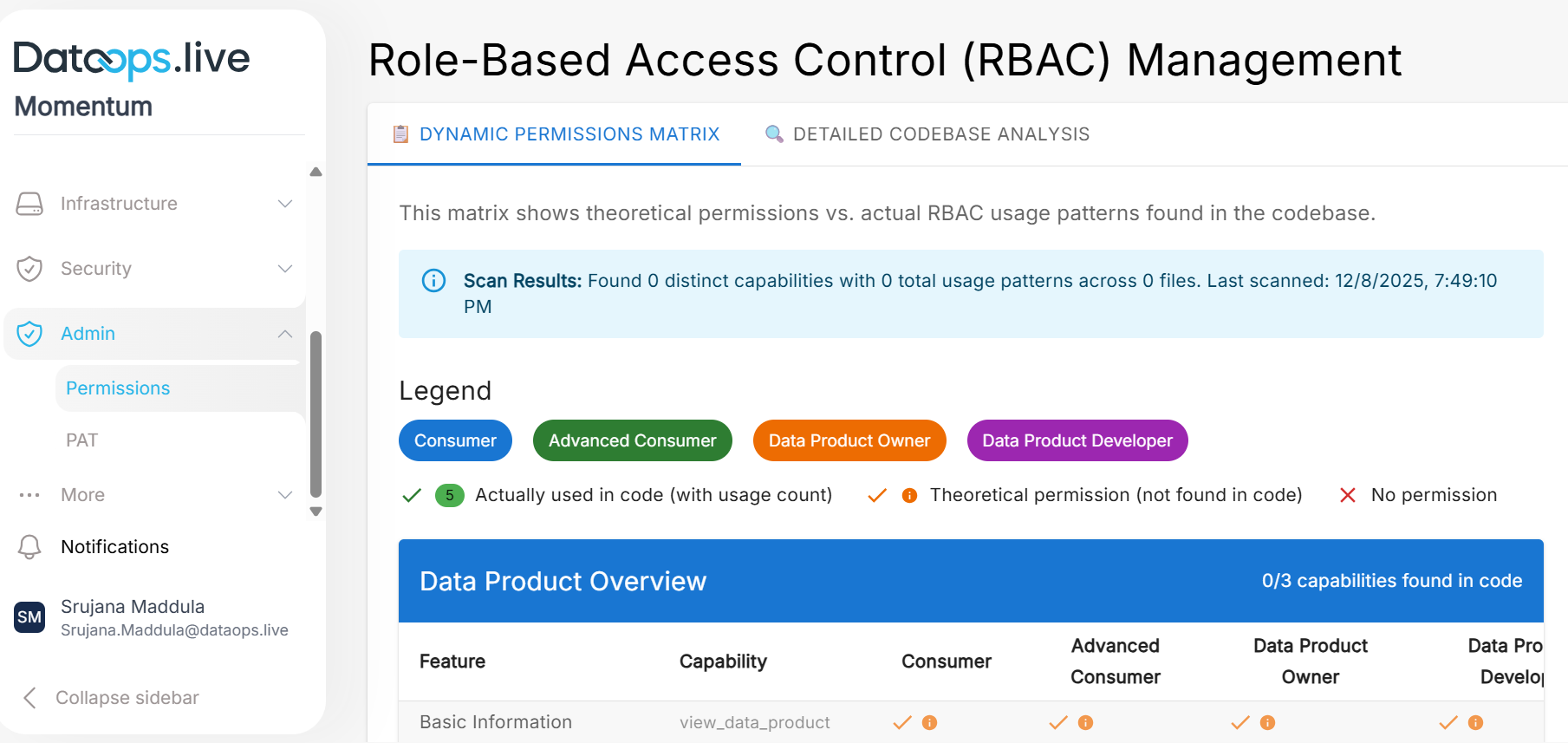
Permissions: The RBAC Management screen provides a comprehensive interface to view and validate role-based access control configurations across the Momentum platform. It displays access permissions of each role and validates whether they are properly configured. Platform administrators and developers can use this screen to understand the permission structure, identify configuration issues, and compare dependencies across roles.